Personal Assistant: a Local-first AI Planner
Tasks, goals, habits, calendar, prayer times and an AI assistant in one installable web app. Your data stays in your browser: no backend, no account.
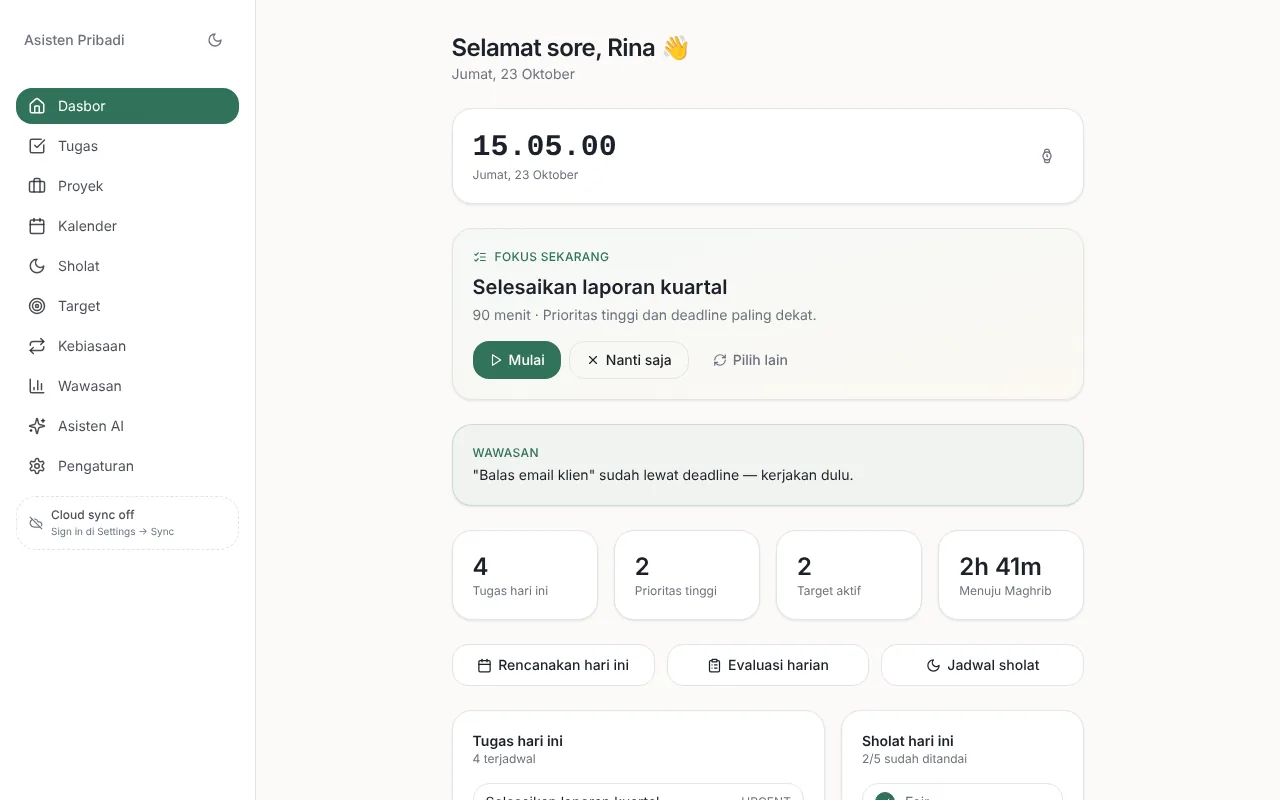
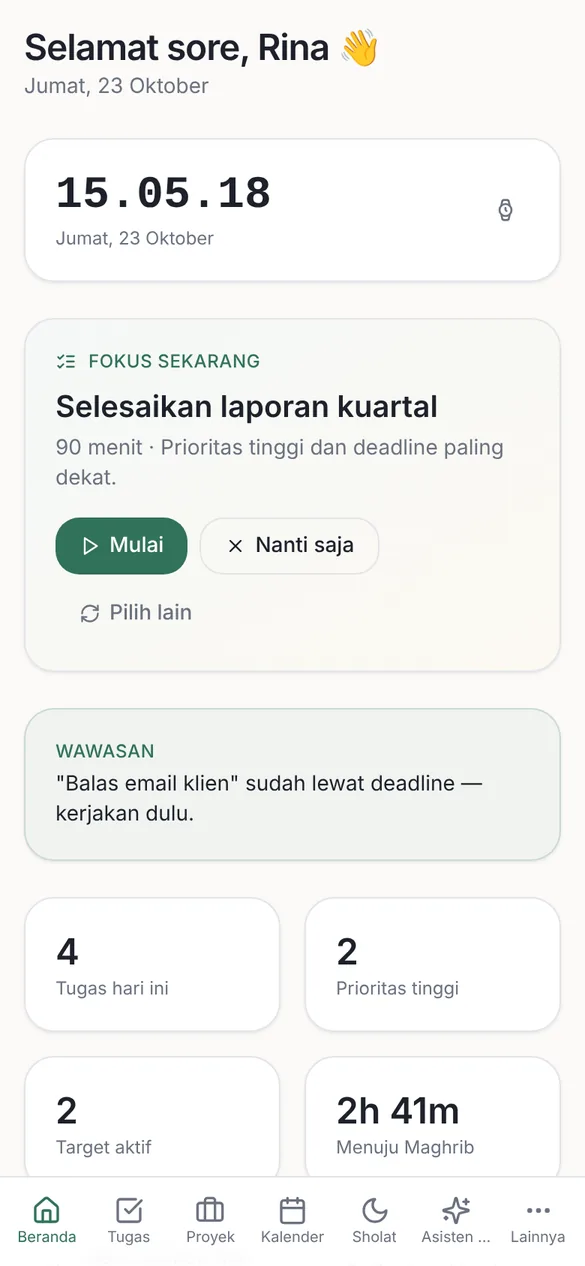
See Personal Assistant in Action
A short video walkthrough of the app.
Everything You Plan Your Day With, in One Place
Tasks & Kanban
Plan with a list or a Kanban board. Set priority, category, estimates and recurrence. Type “Tomorrow 8am study React for 1 hour” and AI drafts the task for you to confirm.
What should I do now?
The dashboard picks your next focus by priority and deadline, locally and without an AI call. Plan My Day and the Evening Review help you start and close the day.
Goals with AI milestones
Describe a goal and AI proposes milestones. Accept, edit or skip them. Nothing is saved until you confirm.
Habits & streaks
Daily check-ins, weekly targets, streaks and a 30-day consistency score keep routines visible.
Calendar
Events, tasks and prayers appear in one log. Import events from Google Calendar when you want them alongside your plan.
Prayer times
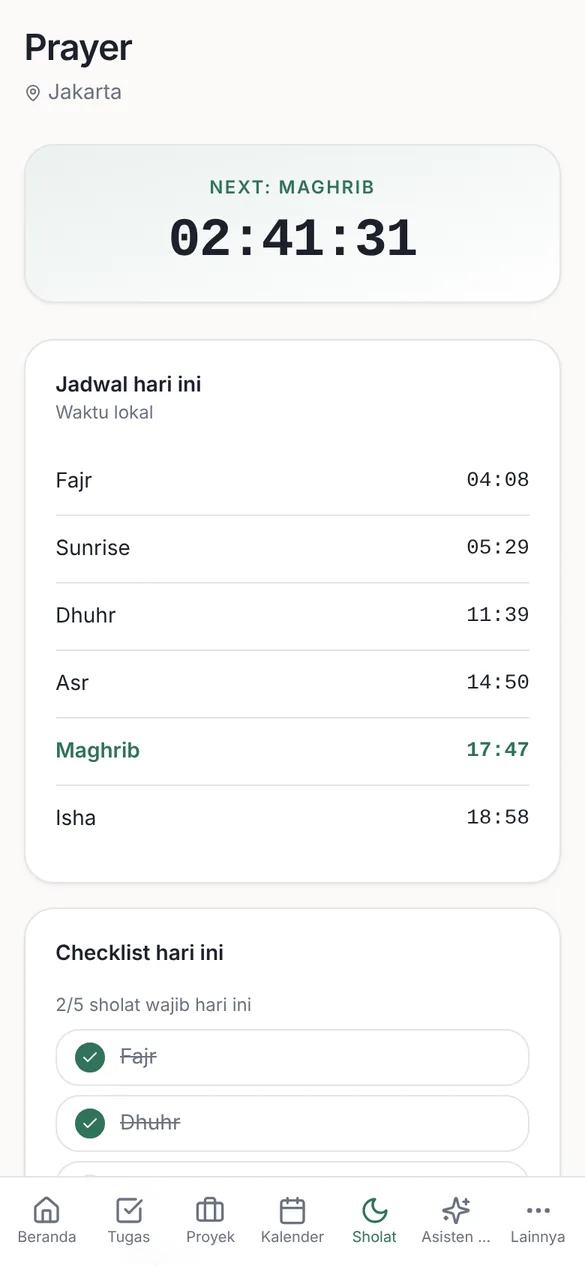
Calculated on your device from sun-position formulas, with no external API. Six methods including Kemenag RI, Shafi or Hanafi Asr, a daily checklist and custom items like Tahajjud or Dhuha.
AI Assistant
Chat that can read your tasks, calendar, habits and prayer times. Anything that changes data shows a confirmation card first, and common questions are answered offline.
Insights
Completion rate, overdue rate, productive hours and goal progress are computed in your browser. AI only interprets the numbers and separates fact, inference and recommendation.
Reminders & shortcuts
Browser notifications for tasks, events and prayer times, a Ctrl/⌘ + K command bar, dark mode and your own accent color.
A Look Inside the App
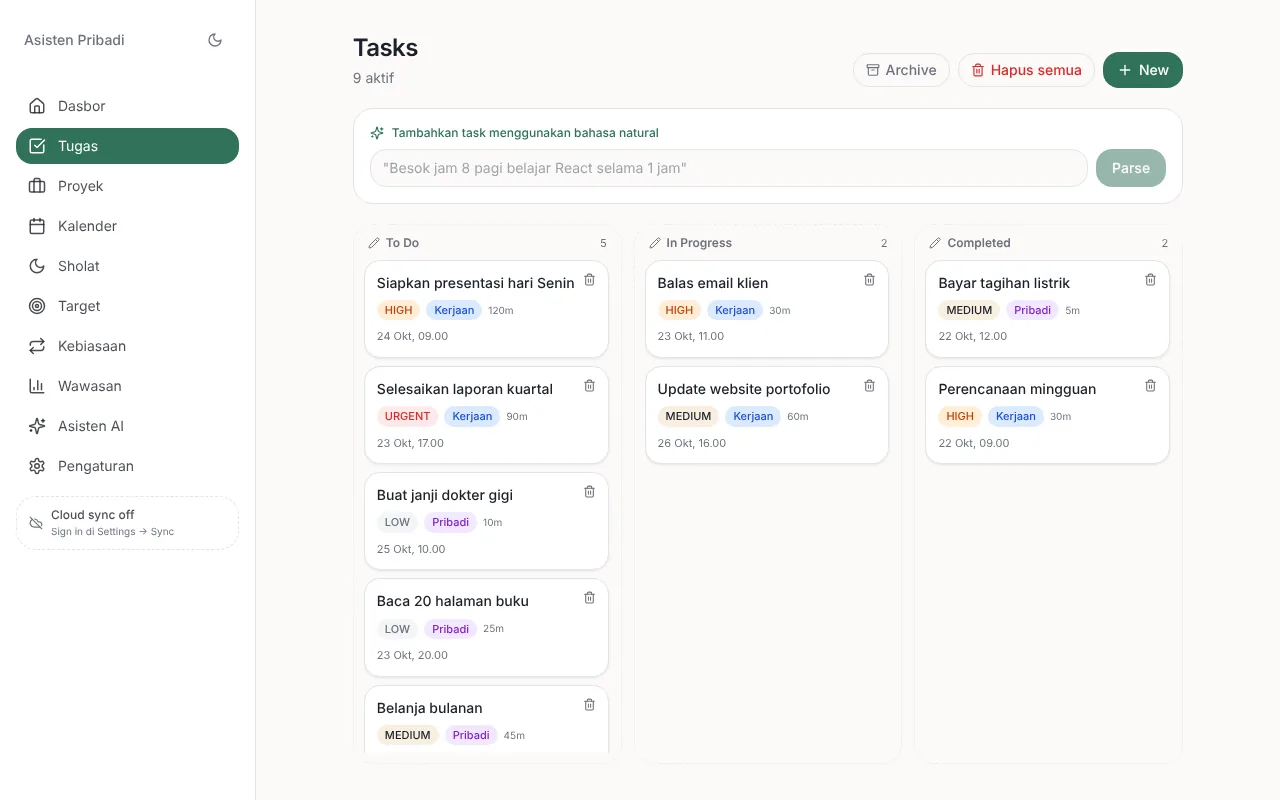
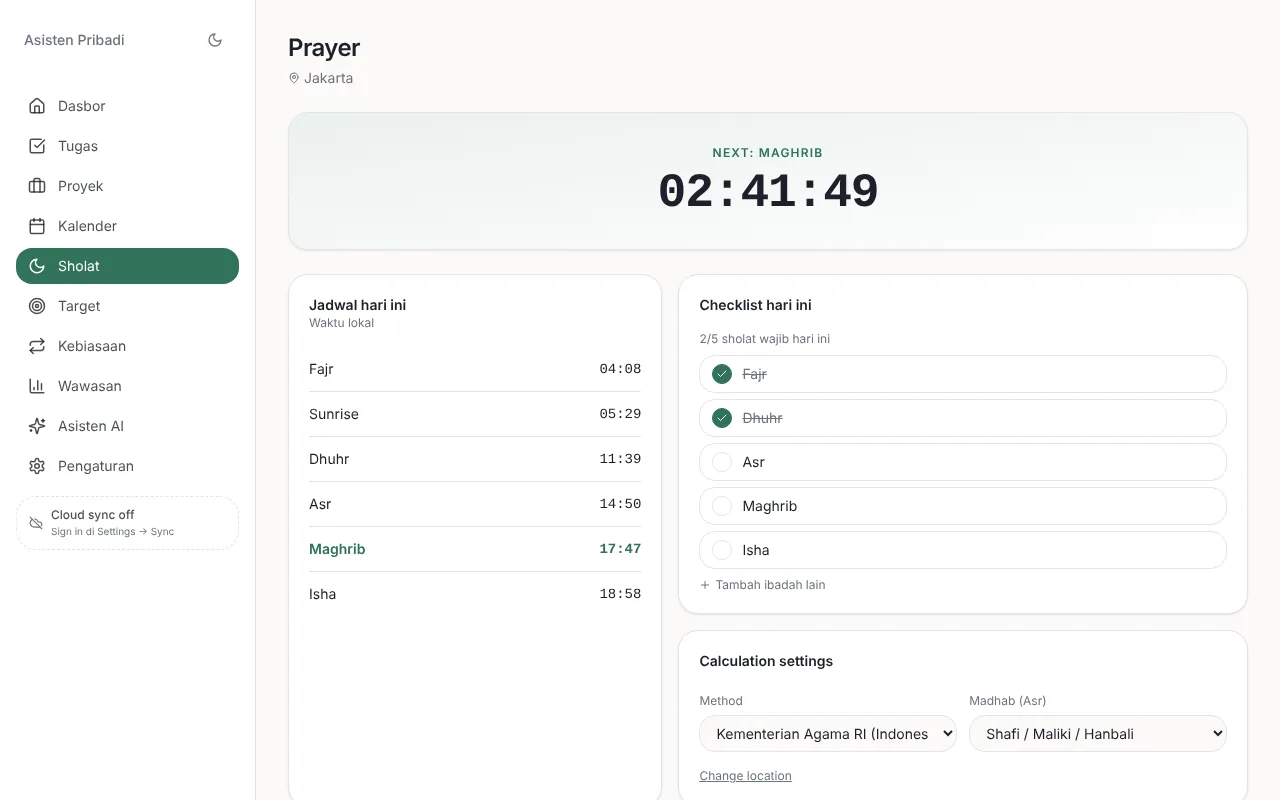
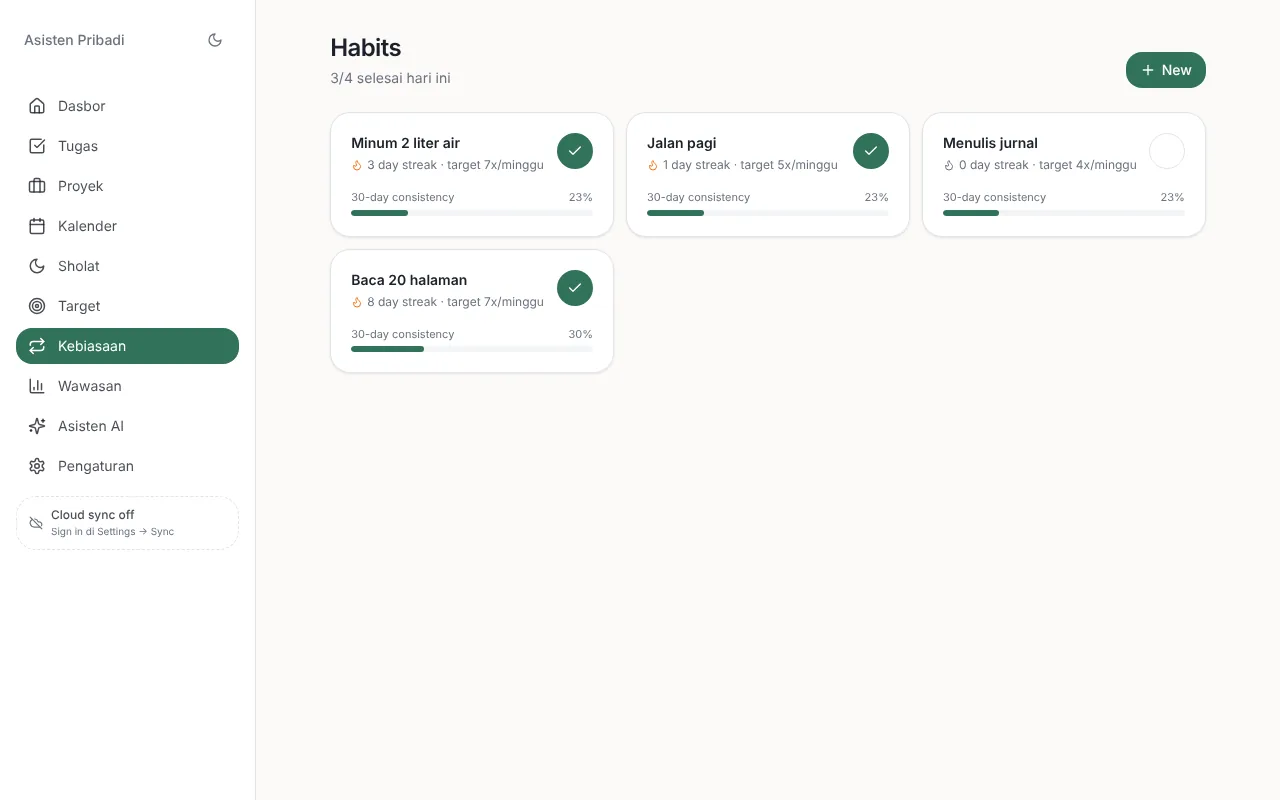
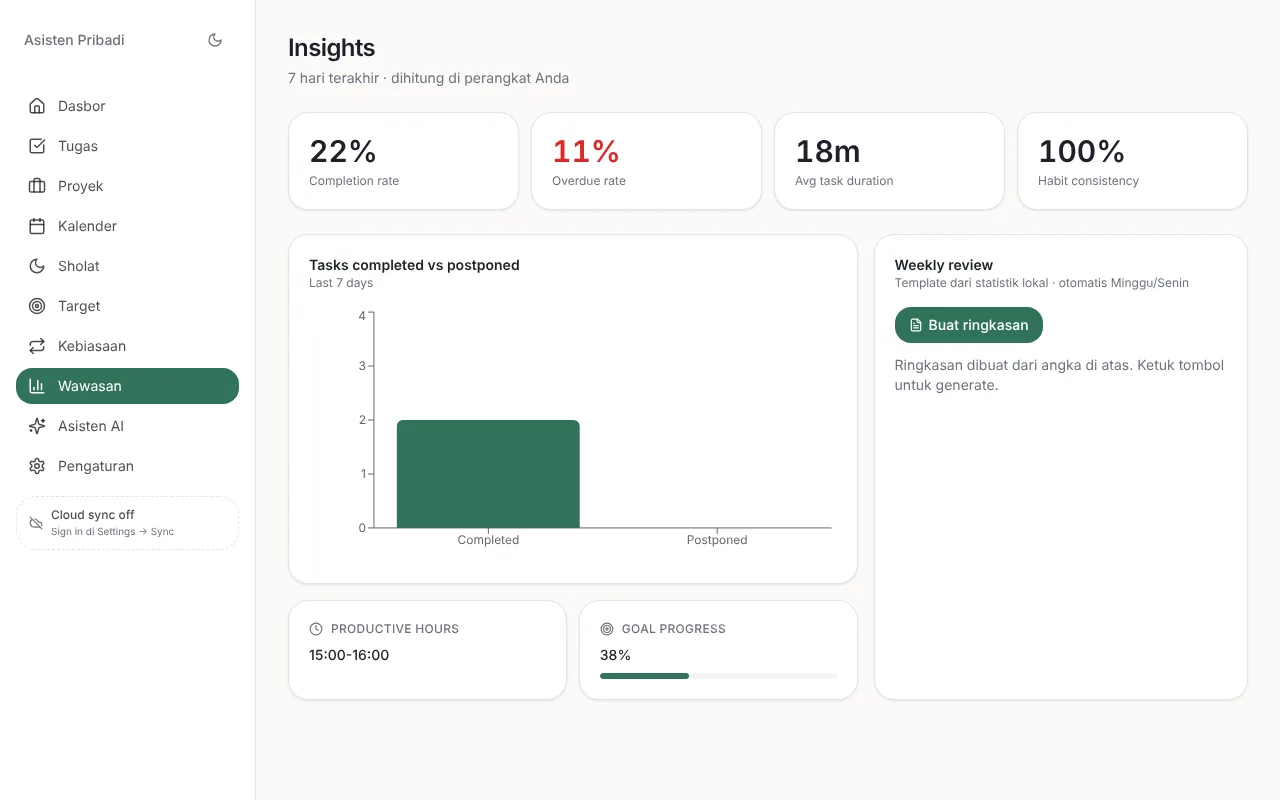
Screenshots use sample data. The interface is Indonesian-first; English is available in Settings and a few labels may still appear in Indonesian.
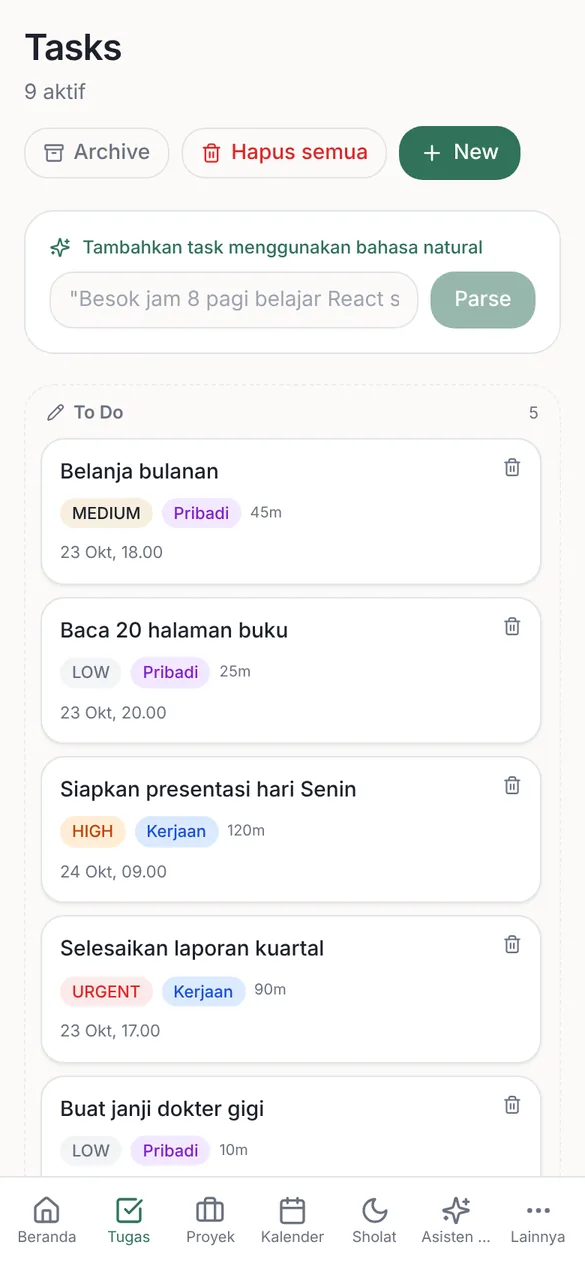
Your Data, Your Device
Personal Assistant has no backend database. Everything is stored in your browser, so the app stays fast and your plans stay yours.
AI features run on your own Gemini or Groq API key. The key is stored locally, and any action that would change your data waits for your confirmation.
- Stored in your browser (IndexedDB), no server database
- Bring your own Gemini or Groq API key
- AI write actions always ask for confirmation
- App lock with password, PIN, pattern or biometric
- Export and import as JSON, clear all data anytime
- Optional cloud sync with your own Firebase project, off by default
Up and Running in Three Steps
Open the app
Go to the app in your browser. There is no sign-up and nothing to download.
Quick setup
Add your name, choose a language, set your prayer location and optionally paste an AI API key.
Install and use daily
Add it to your home screen as a PWA, then plan tasks, goals and habits from any device.
Questions About Personal Assistant
Is Personal Assistant free to use?
The app opens in your browser with no account or sign-up. AI features use your own Gemini or Groq API key, so any usage cost depends on that provider’s plan.
Where is my data stored?
In your browser (IndexedDB) on your device. There is no backend database. Cloud sync is optional, off by default, and uses a Firebase project you create yourself.
Do I need an API key?
Not for tasks, habits, goals, calendar, prayer times or the insight statistics. You need one for AI chat, natural-language task input, AI goal planning and AI summaries. Some assistant questions, such as what to do now, are answered locally.
Can I install it on my phone?
Yes. It is a PWA, so you can add it to your home screen on Android and iOS, or install it from a desktop browser.
How are prayer times calculated?
On your device from your coordinates, using standard astronomical formulas. You can choose between six methods, including Kemenag RI, and Shafi or Hanafi Asr. Compare with your local mosque schedule if you need exact times.
Which languages does it support?
Indonesian and English, switchable in Settings. The app is Indonesian-first, so a few labels may still appear in Indonesian in English mode.
Other Products I Built
Ready to plan your day?
Open Personal Assistant, set it up in a minute and keep your plans on your own device.